PRACTICE MANAGEMENT

Digital Patient Call

Digital Patient Call

Patient call by click – with waiting time, room assignment, and display in the waiting room

Patient call by click – with waiting time, room assignment, and display in the waiting room

With the digital patient call feature in ClinicOS, you can summon patients directly from the system. Doctors and medical assistants can view the current wait time and call the patient with a single click—name and destination room automatically appear on the waiting room display.

With the digital patient call feature in ClinicOS, you can summon patients directly from the system. Doctors and medical assistants can view the current wait time and call the patient with a single click—name and destination room automatically appear on the waiting room display.

Clear, swift process without verbal prompts or need to move around

Transparent wait times: You can see immediately who is waiting and for how long

Professional display on a TV or tablet in the waiting room

The Problem

Restless patient calls in everyday practice

Restless patient calls in everyday practice

Calling patients takes time and causes disturbances: announcements in the waiting room, unnecessary walking paths, misunderstandings regarding rooms, and lack of transparency about who is waiting and for how long. At the same time, many practices wish to communicate more discreetly and professionally.

Calling patients takes time and causes disturbances: announcements in the waiting room, unnecessary walking paths, misunderstandings regarding rooms, and lack of transparency about who is waiting and for how long. At the same time, many practices wish to communicate more discreetly and professionally.

Calling patients takes time and causes disturbances: announcements in the waiting room, unnecessary walking paths, misunderstandings regarding rooms, and lack of transparency about who is waiting and for how long. At the same time, many practices wish to communicate more discreetly and professionally.

High time expenditure due to verbal cues and unnecessary walking paths

High time expenditure due to verbal cues and unnecessary walking paths


Misunderstandings in room assignment and patient call

Misunderstandings in room assignment and patient call


Lack of transparency about waiting times and status

Lack of transparency about waiting times and status


The Solution

Digital Patient Call

Digital Patient Call

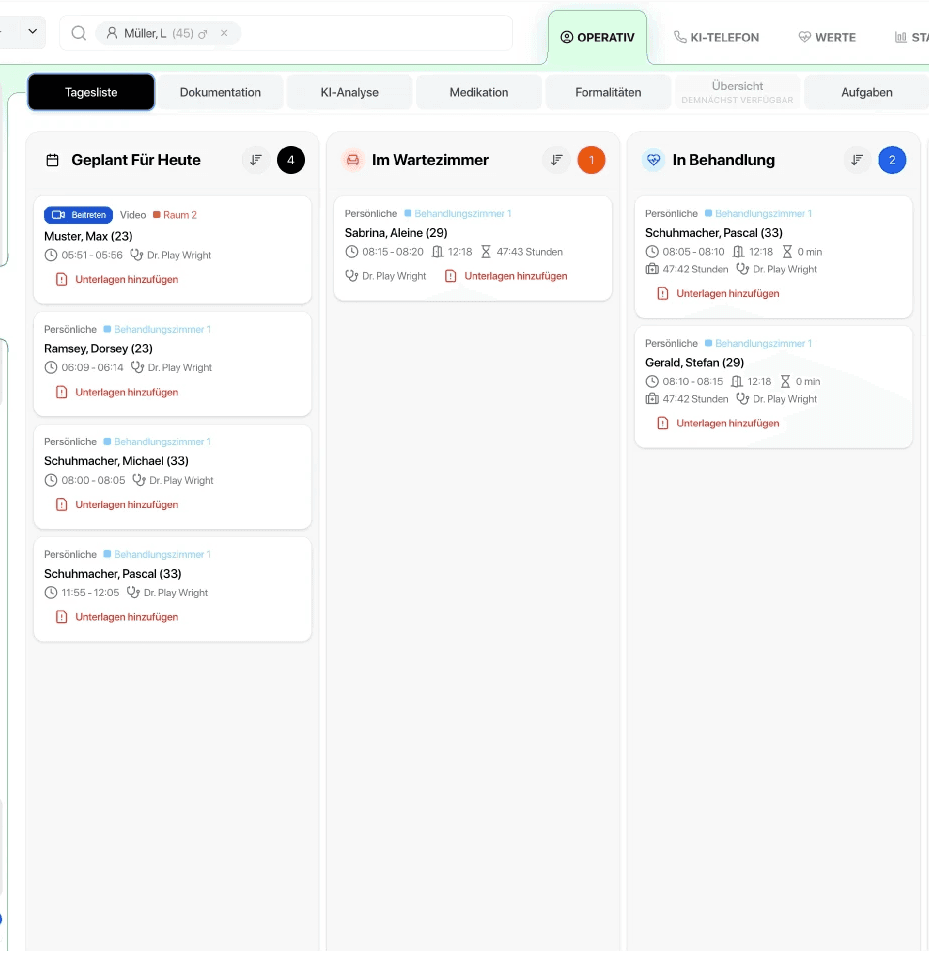
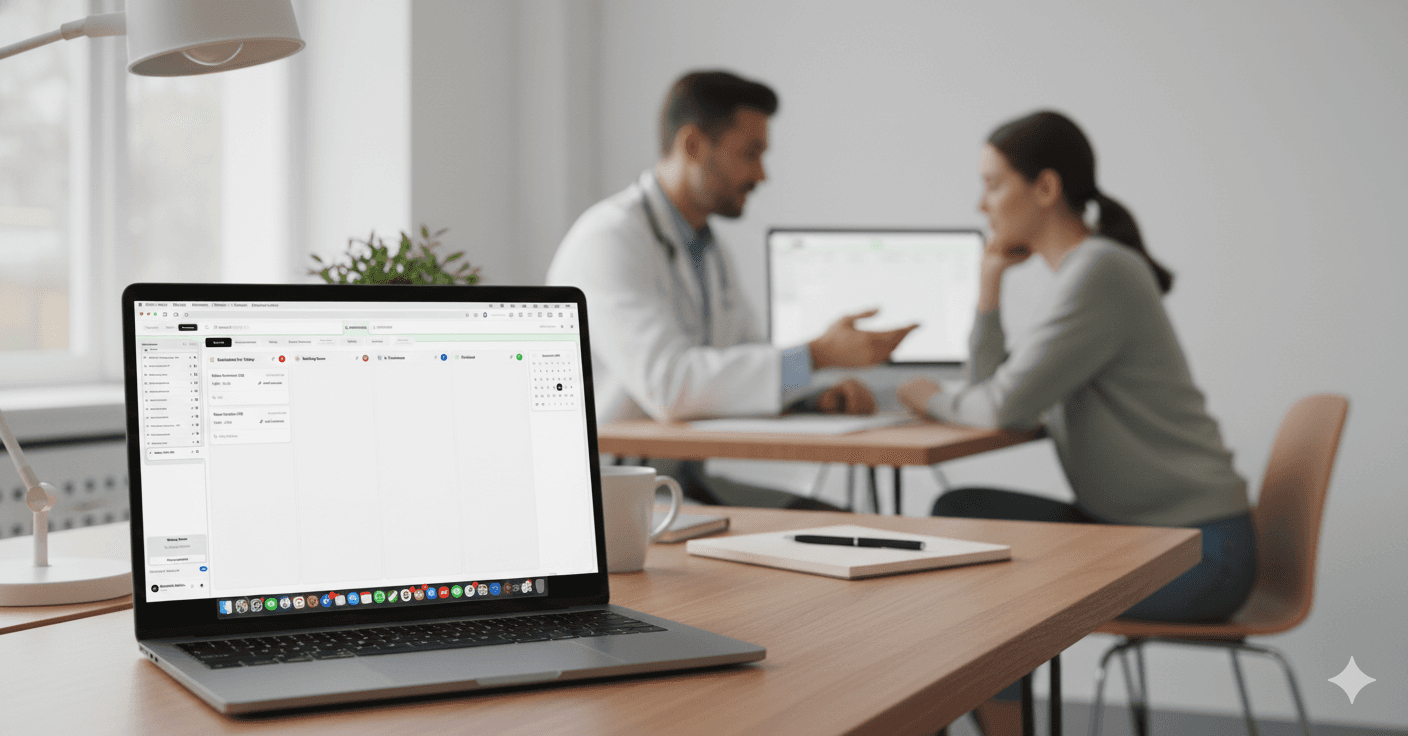
ClinicOS digitizes the call: You can see waiting times and statuses directly in the system, call patients with a click, and assign rooms. In the waiting room, the display automatically appears on a tablet or TV.
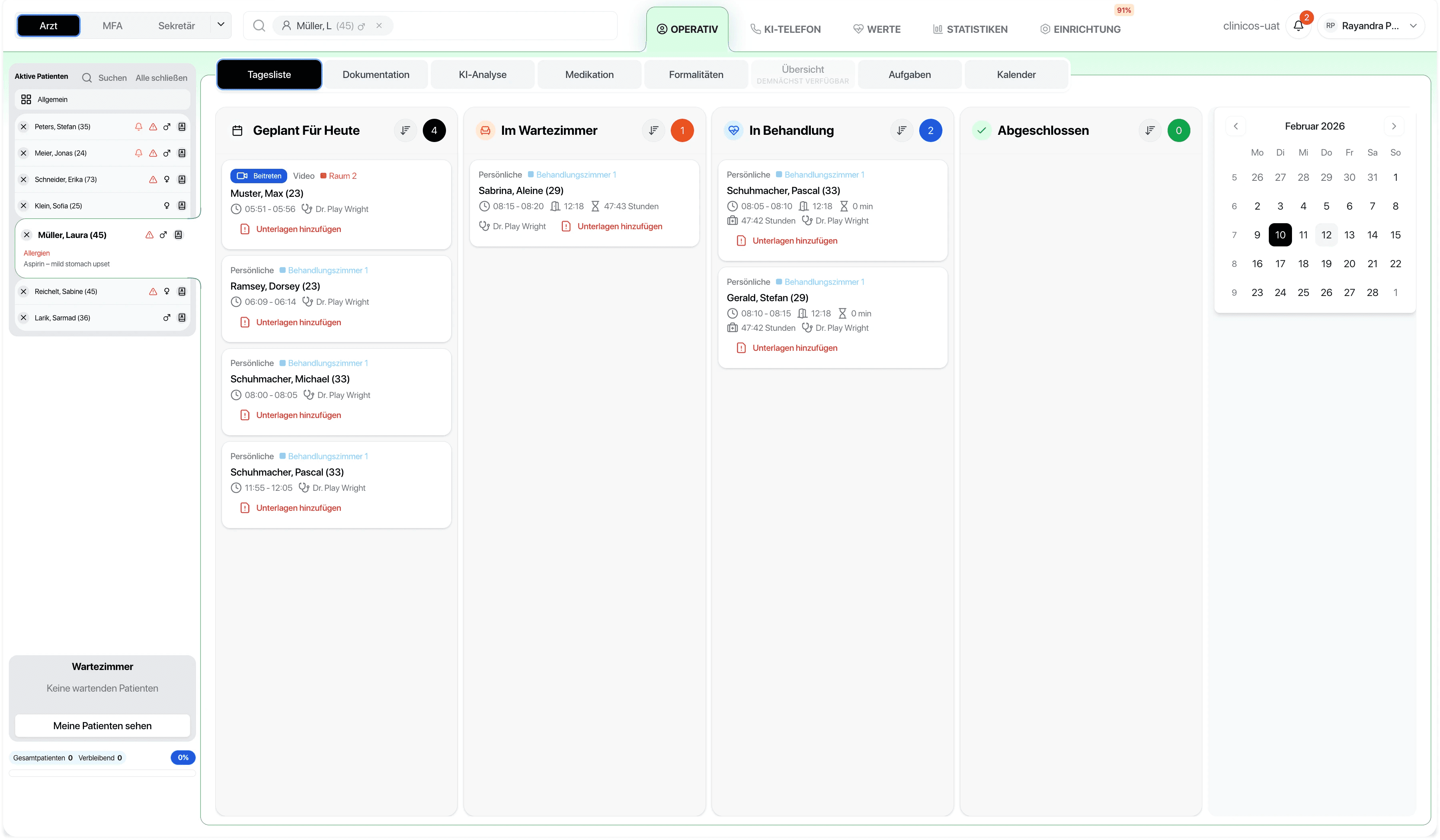
ClinicOS digitizes the call: You can see waiting times and statuses directly in the system, call patients with a click, and assign rooms. In the waiting room, the display automatically appears on a tablet or TV.

Features

What the digital patient call specifically does for you
What the digital patient call specifically does for you
Call directly from ClinicOS

by doctor or medical assistant

Call directly from ClinicOS

by doctor or medical assistant

Waiting Time Transparency

Display how long the patient has been waiting

Room assignment

on call (e.g. treatment room 1, diagnostics, consultation)

Room assignment

on call (e.g. treatment room 1, diagnostics, consultation)

Notice in the waiting room

on TV or tablet: Patient + Target Area

Notice in the waiting room

on TV or tablet: Patient + Target Area

Calmer Process

less walking, less shouting, fewer misunderstandings

Professional reception process

for private patients

Professional reception process

for private patients

The Result & How It Works

More peace in the waiting room – and a more efficient workflow for your team

You keep track of waiting times, call patients in a structured manner, and reduce organizational friction points. This appears professional and significantly eases the burden on medical assistants.

Below, we show how it works in everyday practice in three steps:

Step 1 - Check Waiting Room Status

In ClinicOS, you can see who is waiting and for how long.

Step 2 - Call up the patient & select room
Step 3 - Display in the Waiting Room
Ein Bild der Budget-Benutzeroberfläche von Freelio

The Result & How It Works

More peace in the waiting room – and a more efficient workflow for your team

You keep track of waiting times, call patients in a structured manner, and reduce organizational friction points. This appears professional and significantly eases the burden on medical assistants.

Below, we show how it works in everyday practice in three steps:

Ein Bild der Budget-Benutzeroberfläche von Freelio
Step 1 - Check Waiting Room Status

In ClinicOS, you can see who is waiting and for how long.

Step 2 - Call up the patient & select room
Step 3 - Display in the Waiting Room

The Result & How It Works

More peace in the waiting room – and a more efficient workflow for your team

You keep track of waiting times, call patients in a structured manner, and reduce organizational friction points. This appears professional and significantly eases the burden on medical assistants.

Below, we show how it works in everyday practice in three steps:

Ein Bild der Budget-Benutzeroberfläche von Freelio
Step 1 - Check Waiting Room Status

In ClinicOS, you can see who is waiting and for how long.

Step 2 - Call up the patient & select room
Step 3 - Display in the Waiting Room

For Private Practices

Why this is especially relevant for private practices

Why this is especially relevant for private practices

Why this is especially relevant for private practices

Higher service quality through clear, discreet processes

Relief for medical assistants: fewer errands and less coordination

Better overview during peak times and in parallel running rooms

FAQ

Find answers to frequently asked questions about the features, security, and use of ClinicOS.

Do doctors and medical assistants see the waiting time in real-time?
Can I define rooms freely?
On which devices can the display in the waiting room operate?

FAQ

Find answers to frequently asked questions about the features, security, and use of ClinicOS.

Do doctors and medical assistants see the waiting time in real-time?
Can I define rooms freely?
On which devices can the display in the waiting room operate?