The ClinicOS vs. Individual Tools

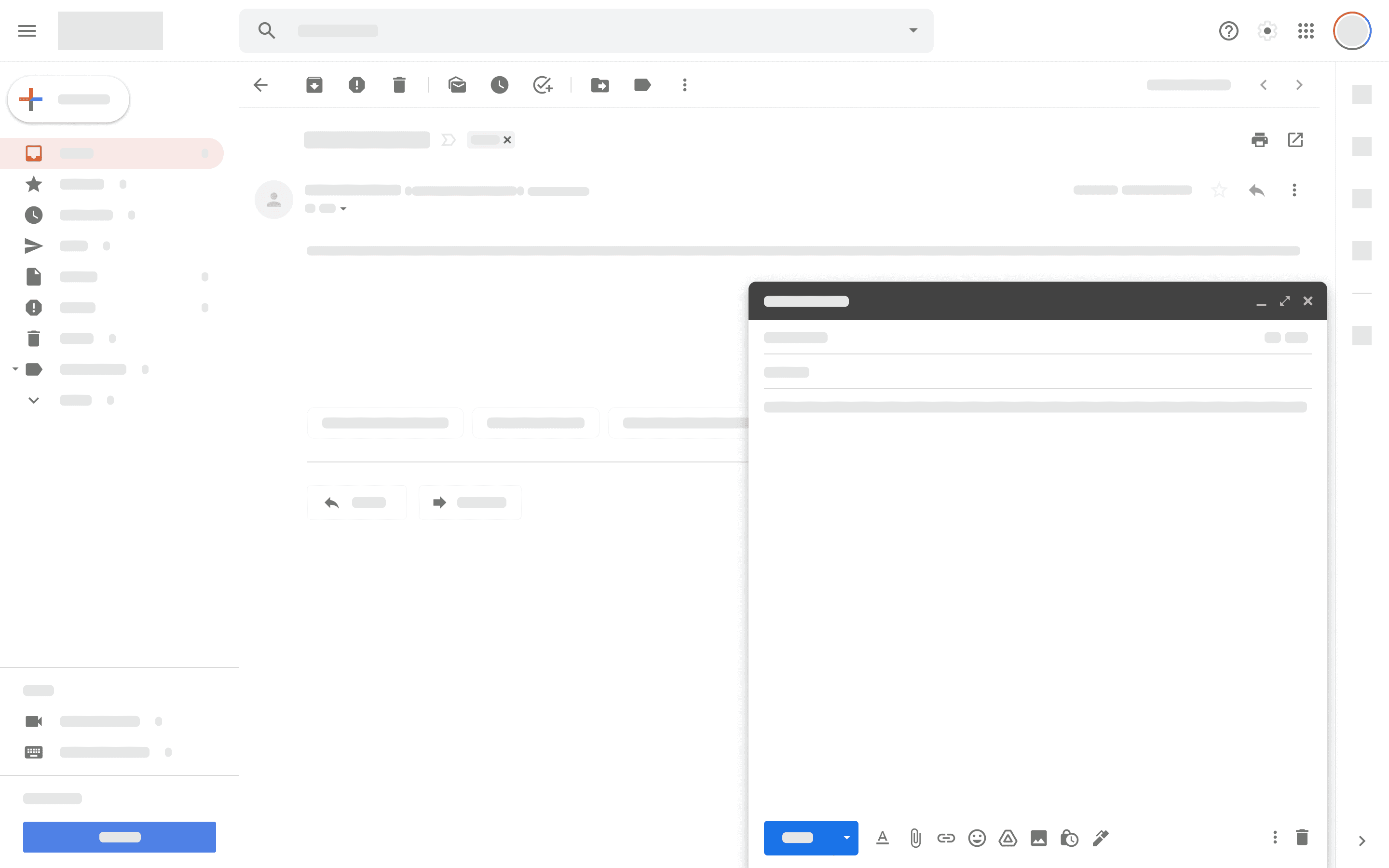
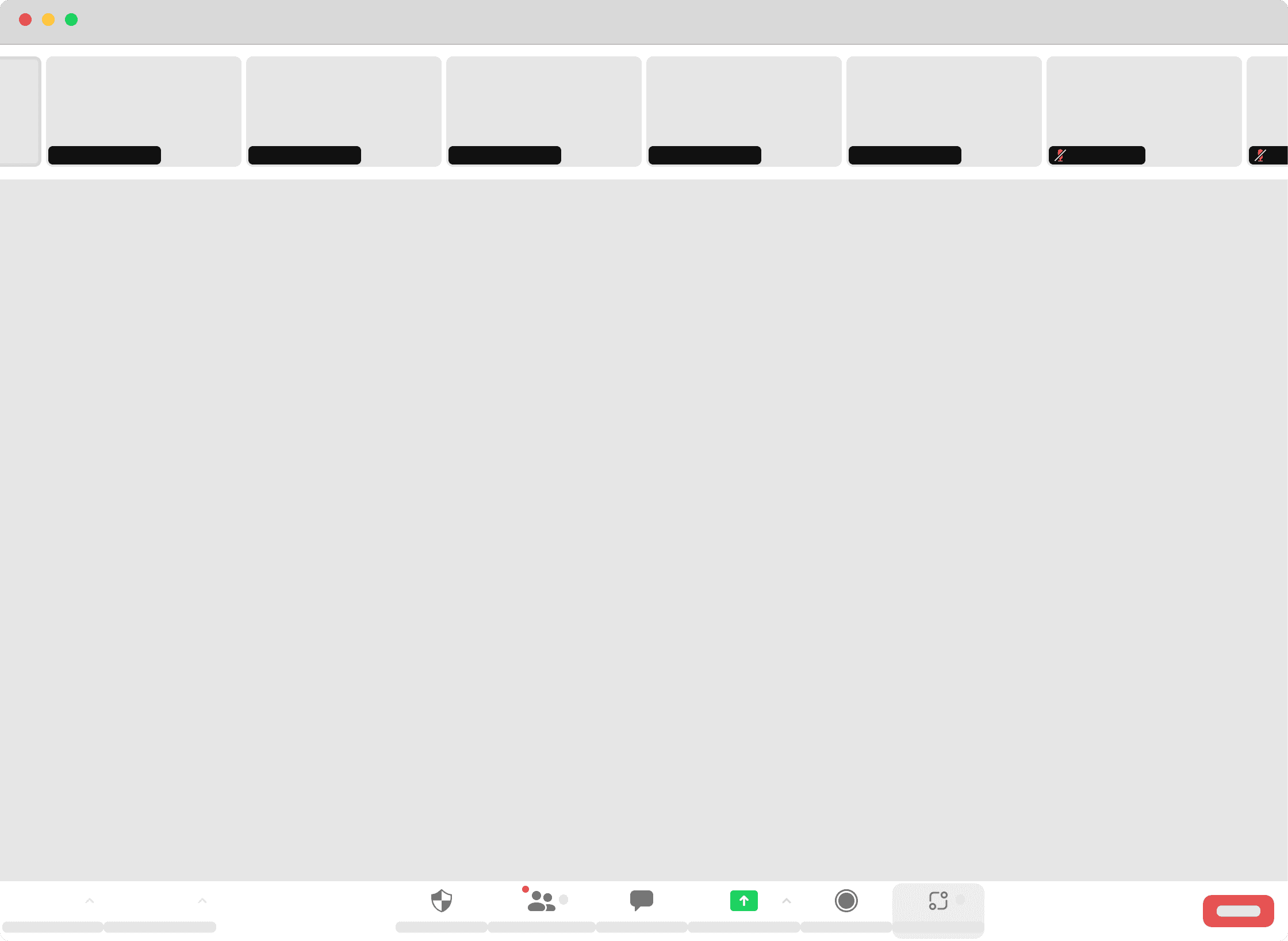
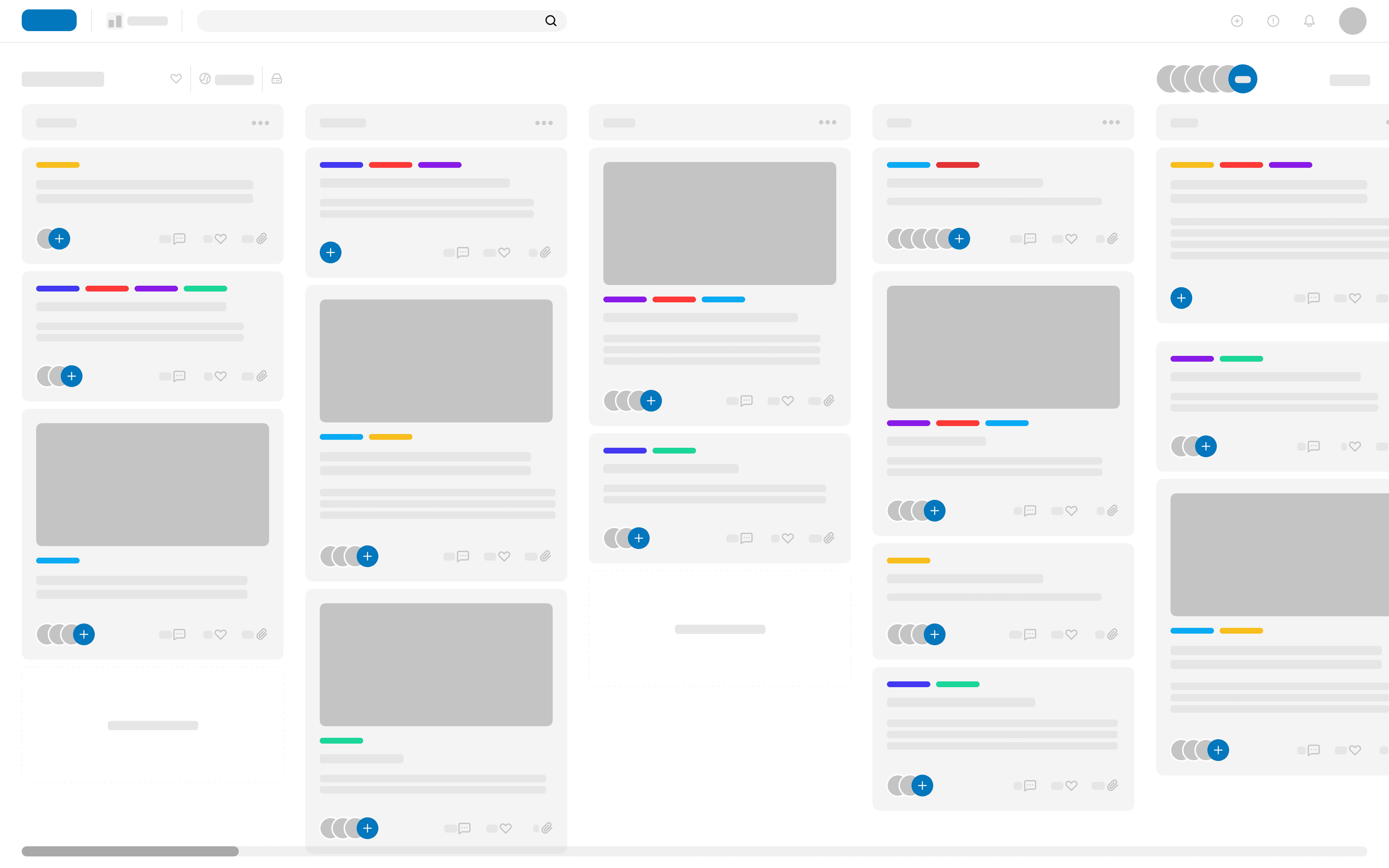
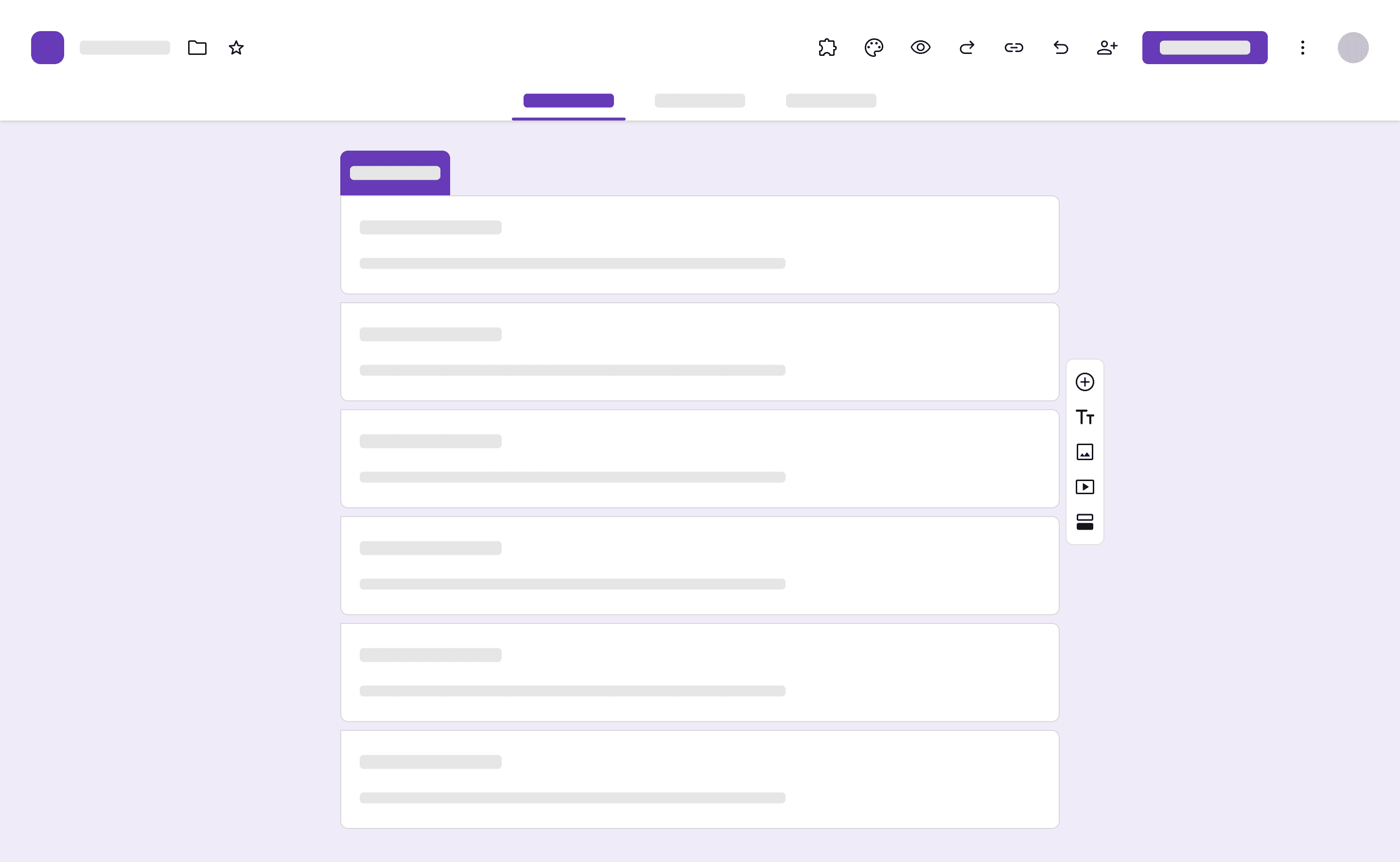
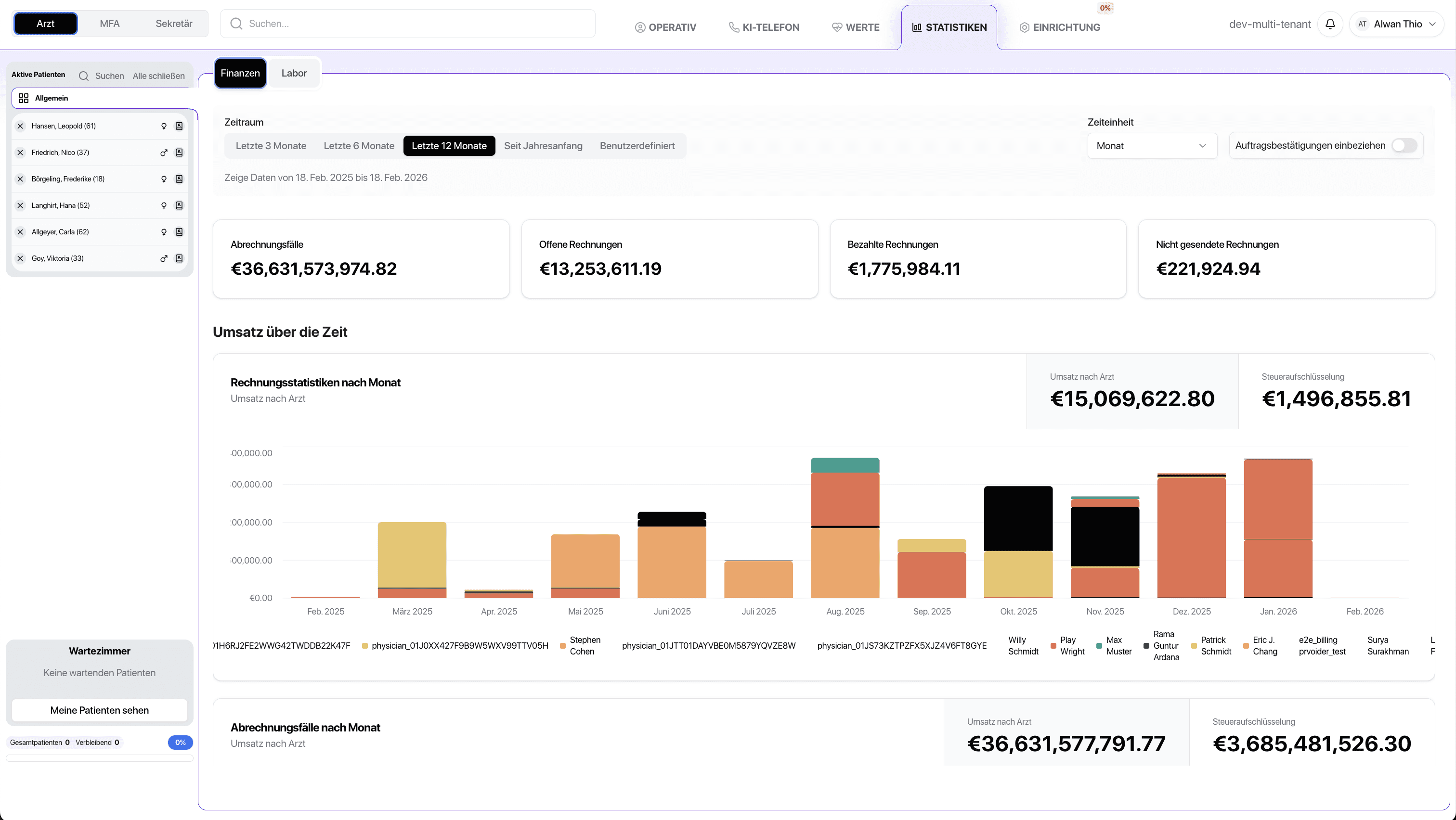
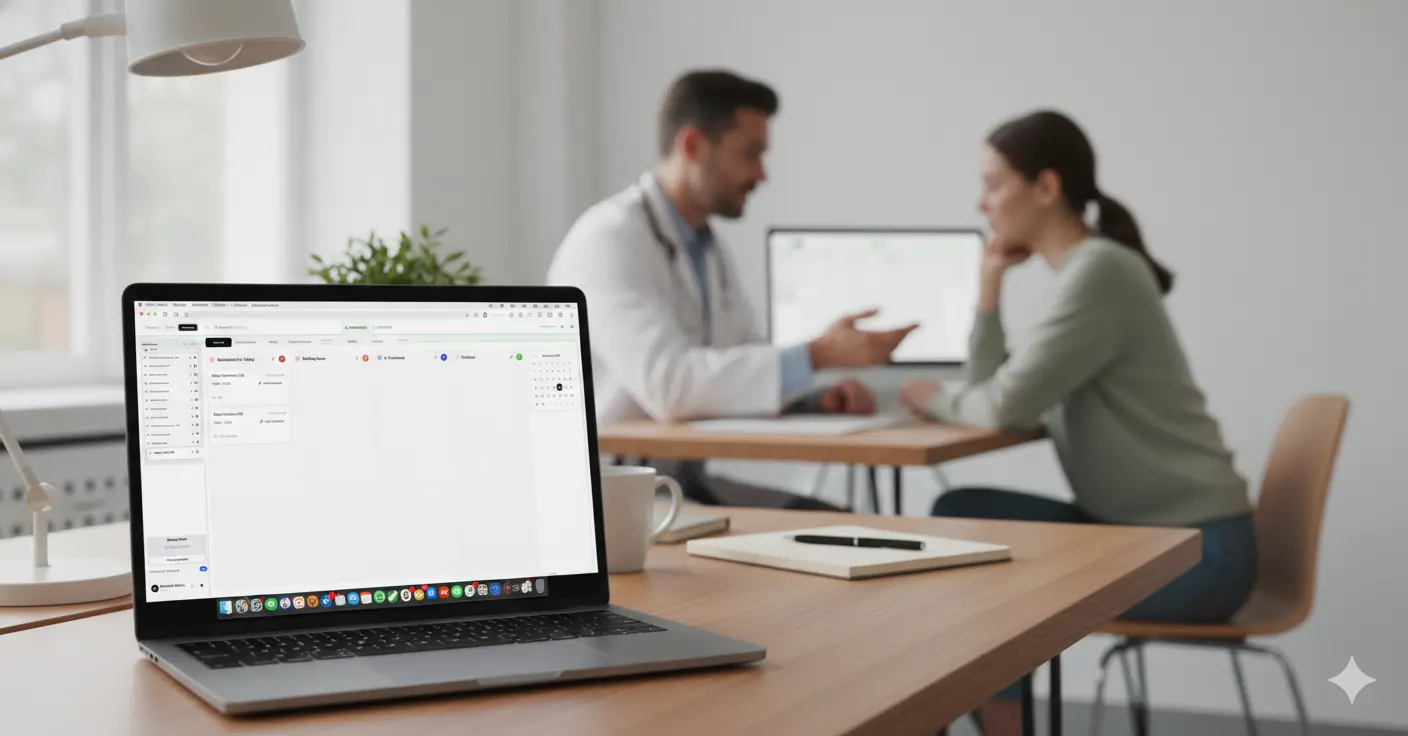
Instead of juggling 10+ different tools one platform for everything. Specifically developed for medical practices, Made in Germany.

Instead of juggling 10+ different tools one platform for everything. Specifically developed for medical practices, Made in Germany.

Traditional / Manual Practice Management

Complex system structures. High operating costs. Inefficient processes

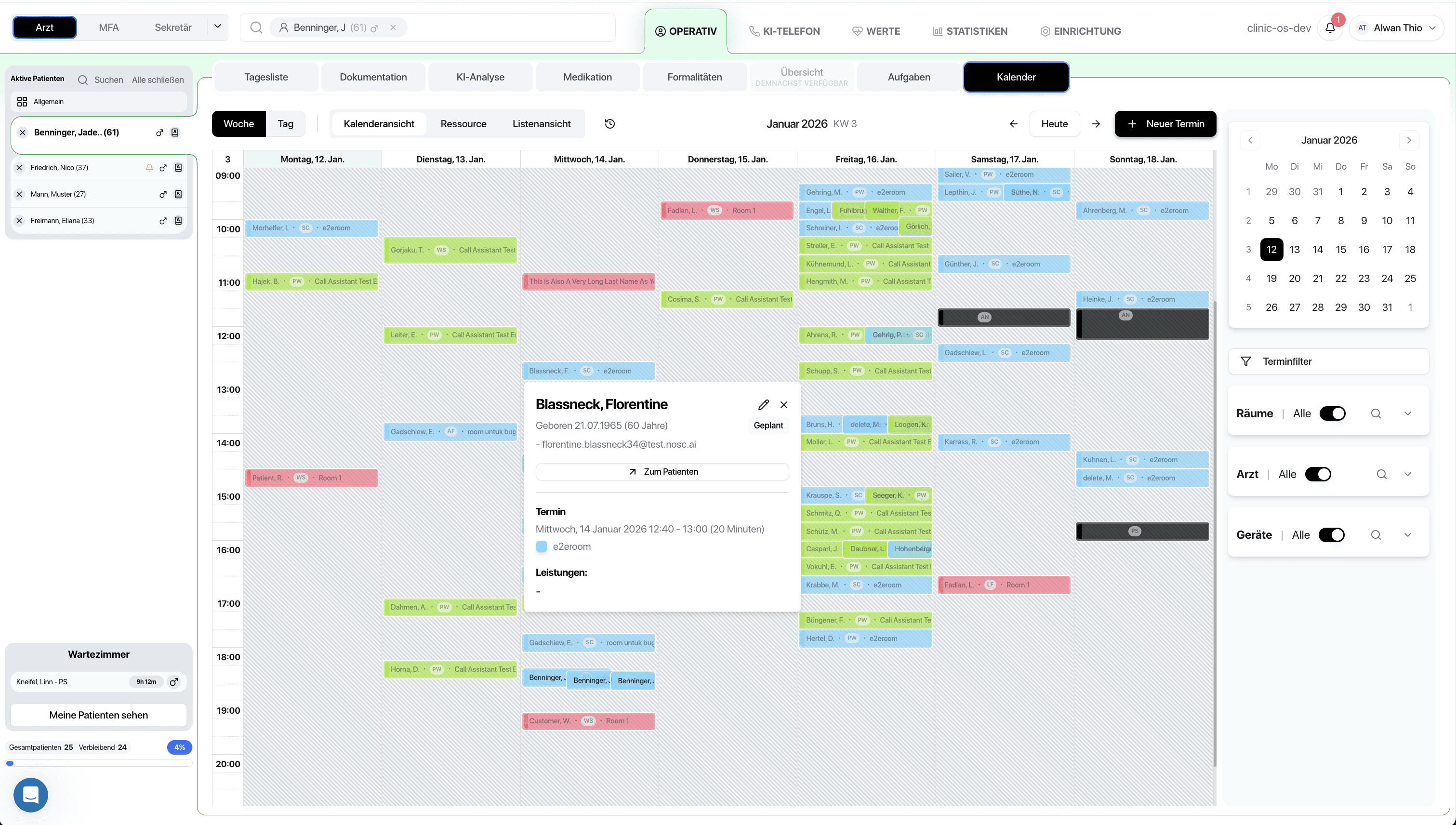
Many medical practices use several separate applications for appointment management, medical documentation, billing, and business analysis. These systems are not fully integrated, data must be entered multiple times, and workflows remain fragmented.

Many medical practices use several separate applications for appointment management, medical documentation, billing, and business analysis. These systems are not fully integrated, data must be entered multiple times, and workflows remain fragmented.

Redundant and inconsistent data entries increase the risk of errors due to manual processes

Rising total operating costs due to multiple standalone solutions

Valuable physician time consumed by administrative tasks
Currently with ClinicOS

One platform. Fully integrated. Significantly more efficient practice

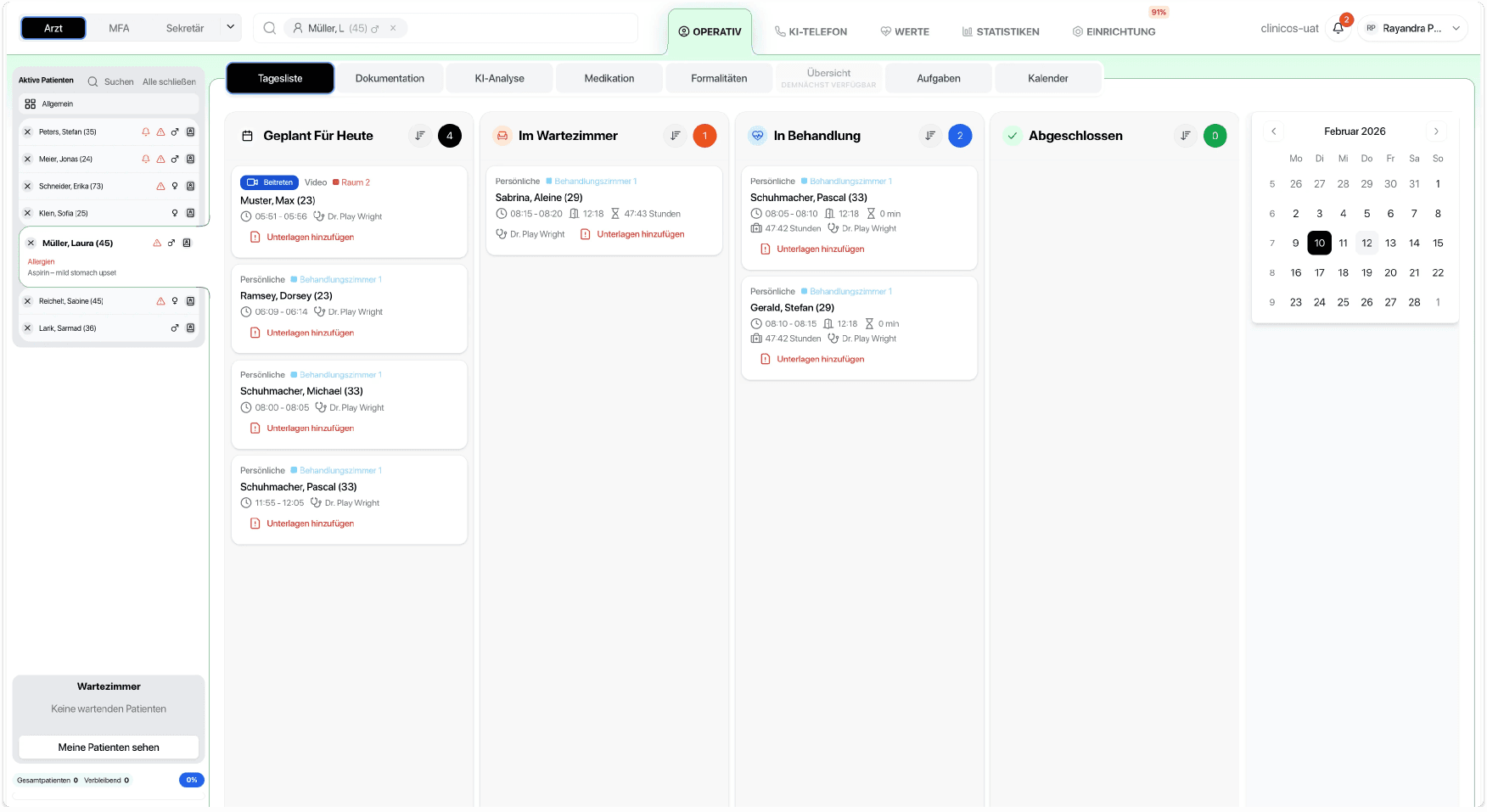
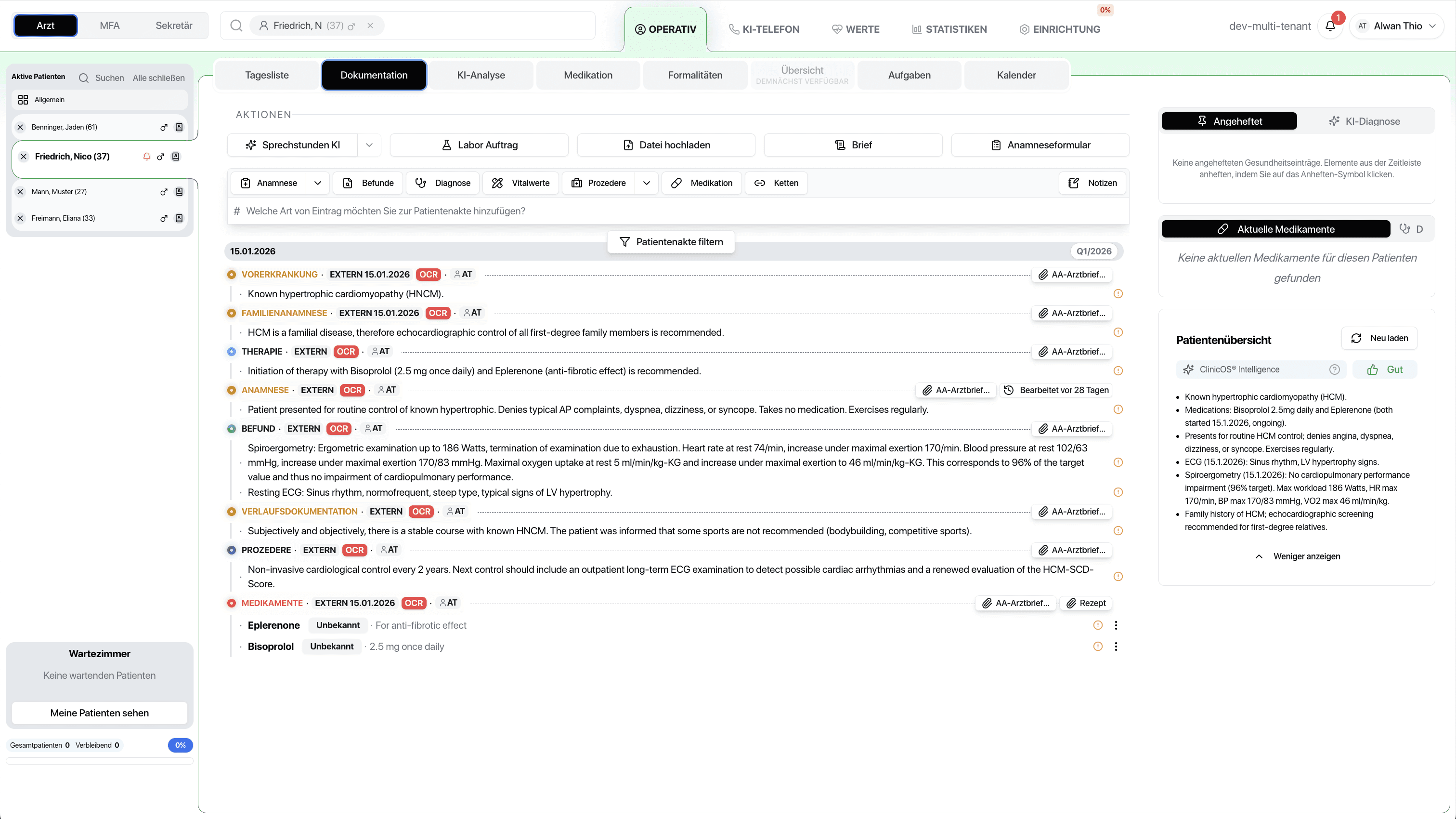
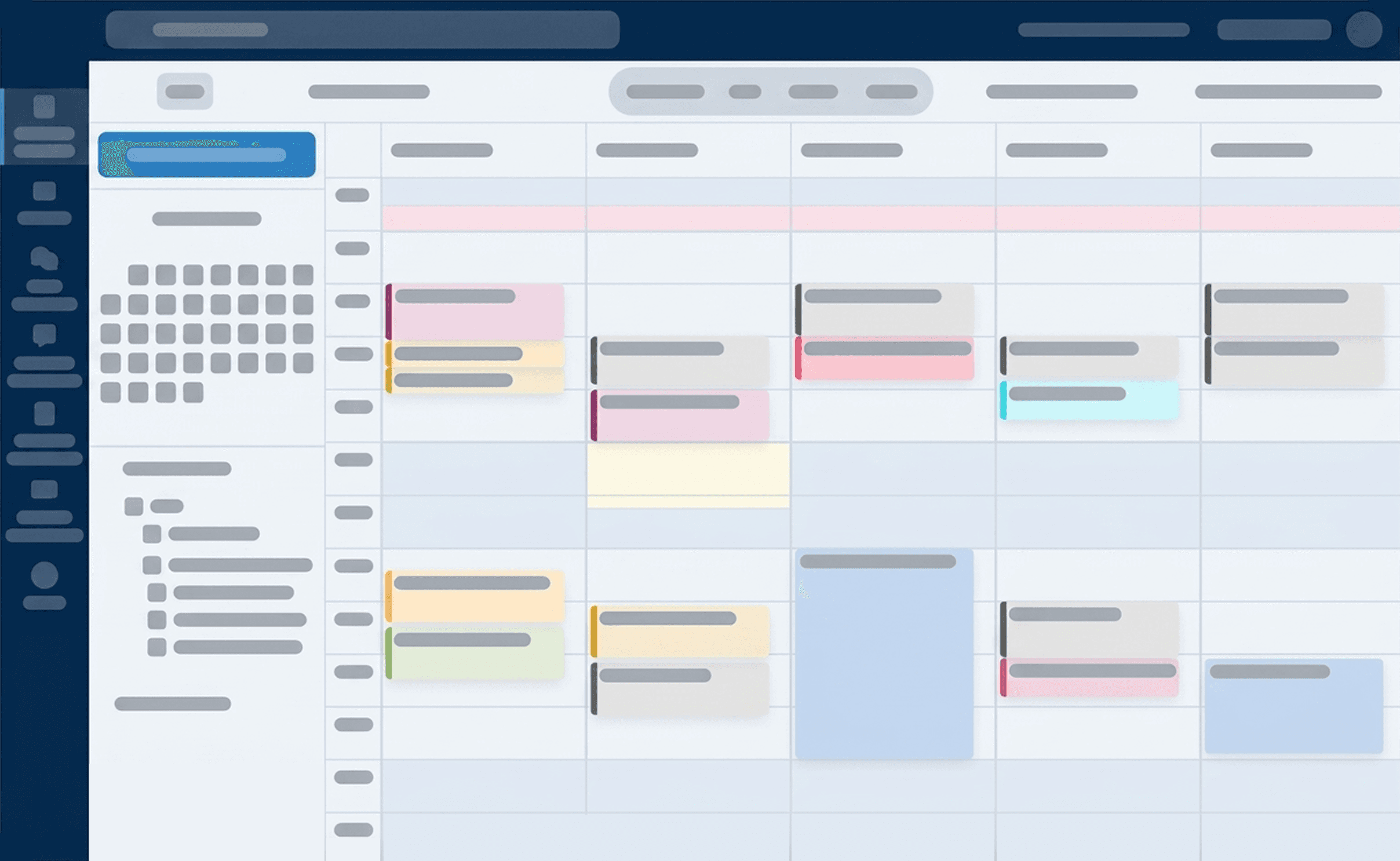
ClinicOS consolidates all central practice processes into a seamless system architecture. Appointment management, electronic patient records, AI-assisted documentation, billing in accordance with GOÄ, as well as business analyses are fully integrated into a single platform.

ClinicOS consolidates all central practice processes into a seamless system architecture. Appointment management, electronic patient records, AI-assisted documentation, billing in accordance with GOÄ, as well as business analyses are fully integrated into a single platform.

AI automation, centralized patient data, and efficient processes with reduced errors

More cost-effective than running multiple standalone tools

Greater capacity to focus on high-quality patient care
The Problem

Comparison

All tools in one – your practice, made simpler

All tools in one – your practice, made simpler

Stop managing multiple tools. Start running your clinic with a single system that works for you.

Stop managing multiple tools. Start running your clinic with a single system that works for you.

Stop managing multiple tools. Start running your clinic with a single system that works for you.

ClinicOS Feature

ClinicOS Feature

What doctors otherwise used

What doctors otherwise used

AI Features

AI Features

Real-time transcription directly into the patient record

Heidi Health, Nuance DAX

Heidi Health, Nuance DAX

Automatically generate medical reports from the patient records

Google Docs, Microsoft Word, dictation software

Google Docs, Microsoft Word, dictation software

Automatic GOÄ Code Suggestions

Google Sheets, Microsoft Excel, Practice Management Systems

Google Sheets, Microsoft Excel, Practice Management Systems

Receives calls and schedules appointments automatically

Aaron.ai, answering machine

Aaron.ai, answering machine

Scan documents, AI automatically recognizes content

Scanner + manual data entry

Scanner + manual data entry

Diagnoses, Medications & Findings at a Glance

Manual Record Review

Manual Record Review

Practice Management

Practice Management

Online booking with synchronization & reminders

Doctolib, cal.com, Jameda

Doctolib, cal.com, Jameda

Documents, Appointments & Communication for Patients

Doctolib, Gmail, Email, Telephone

Doctolib, Gmail, Email, Telephone

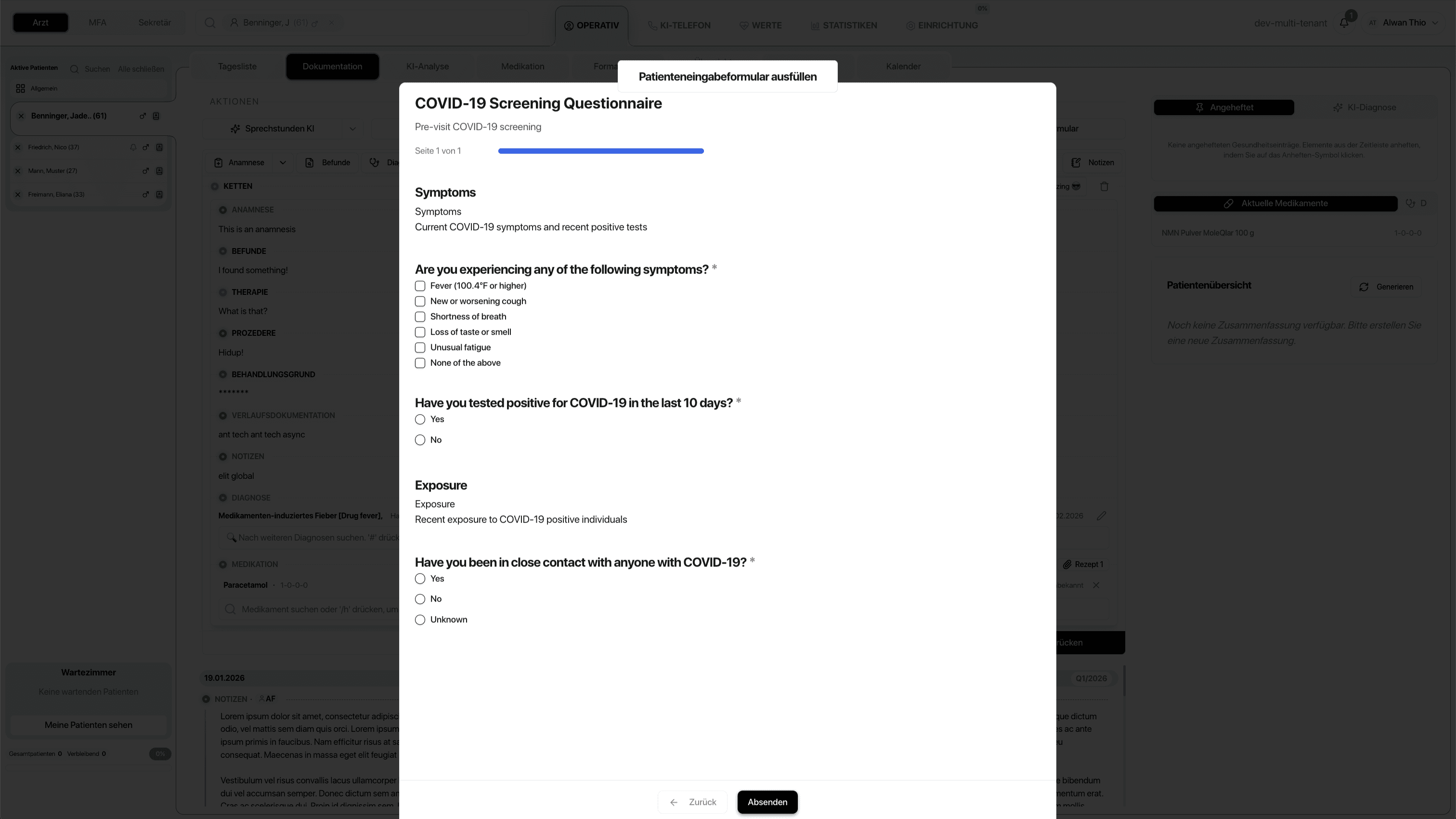
Patient fills out beforehand, data appears in the record

Google Forms, Typeform, paper forms

Google Forms, Typeform, paper forms

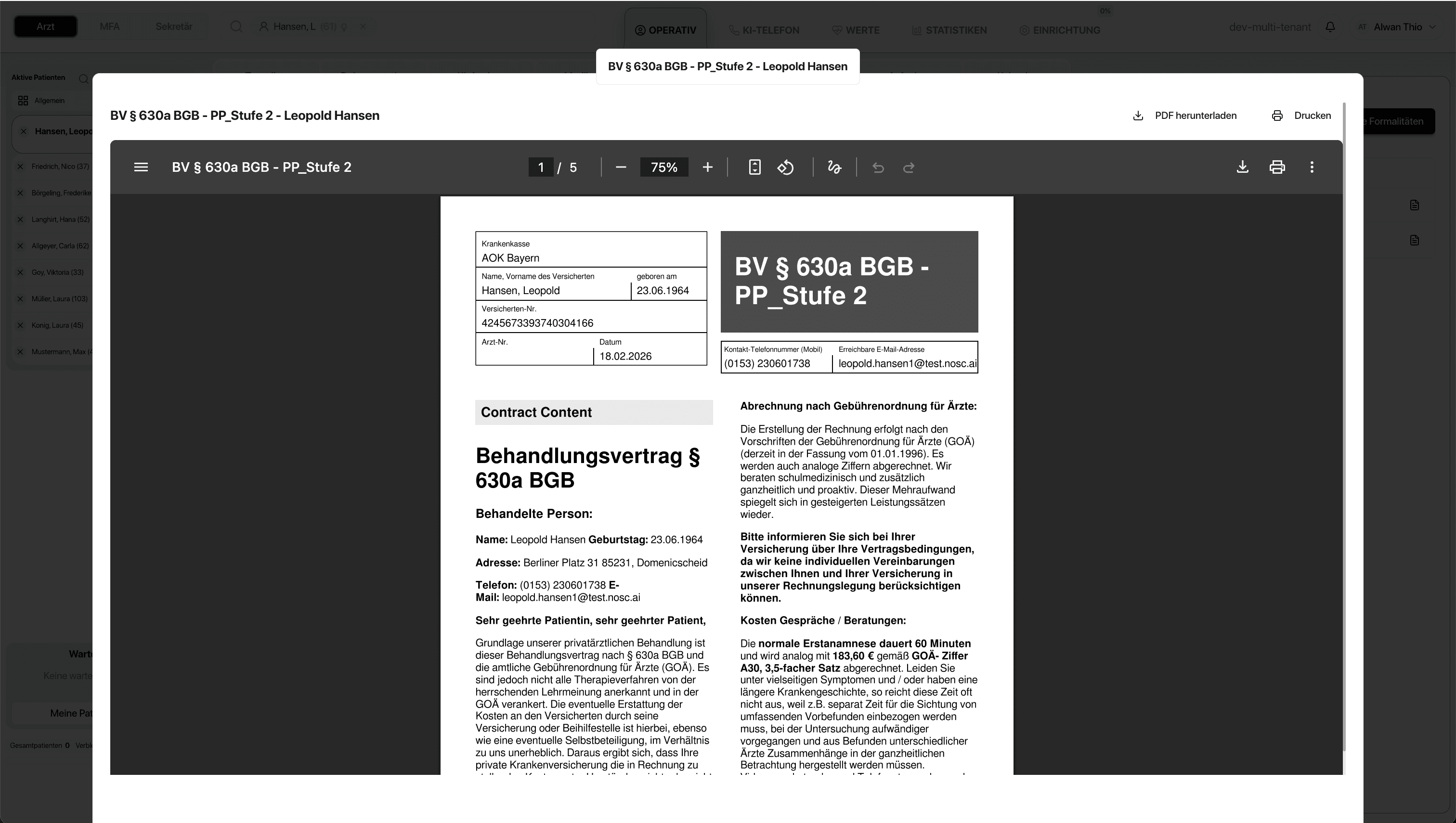
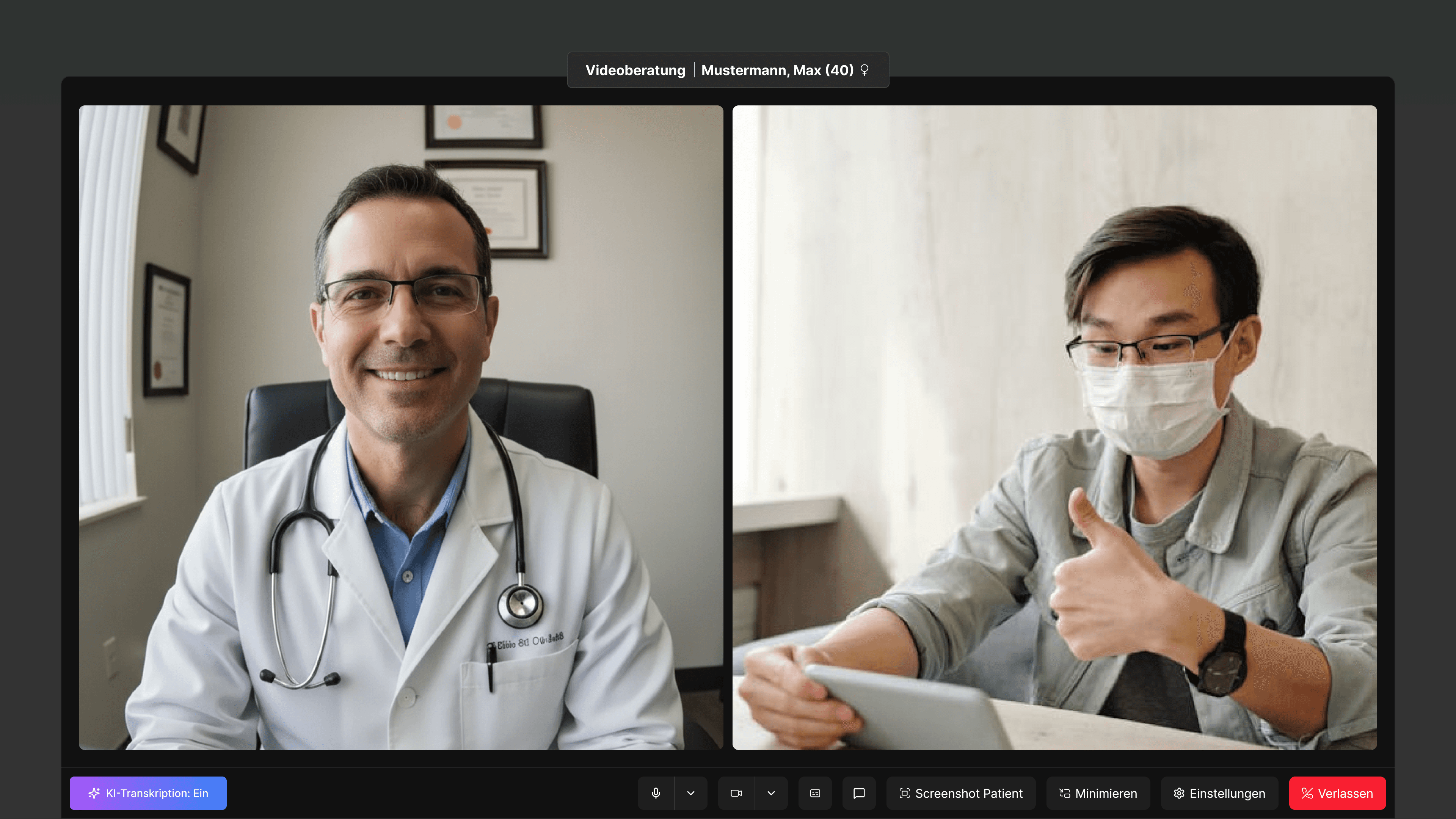
GDPR-compliant video calls directly in ClinicOS

Zoom, Doxy.me, Whereby

Zoom, Doxy.me, Whereby

Patients sign digitally, automatic archiving

DocuSign, paper contracts

DocuSign, paper contracts

E-prescriptions directly from the patient record

PVS systems, handwritten prescriptions

PVS systems, handwritten prescriptions

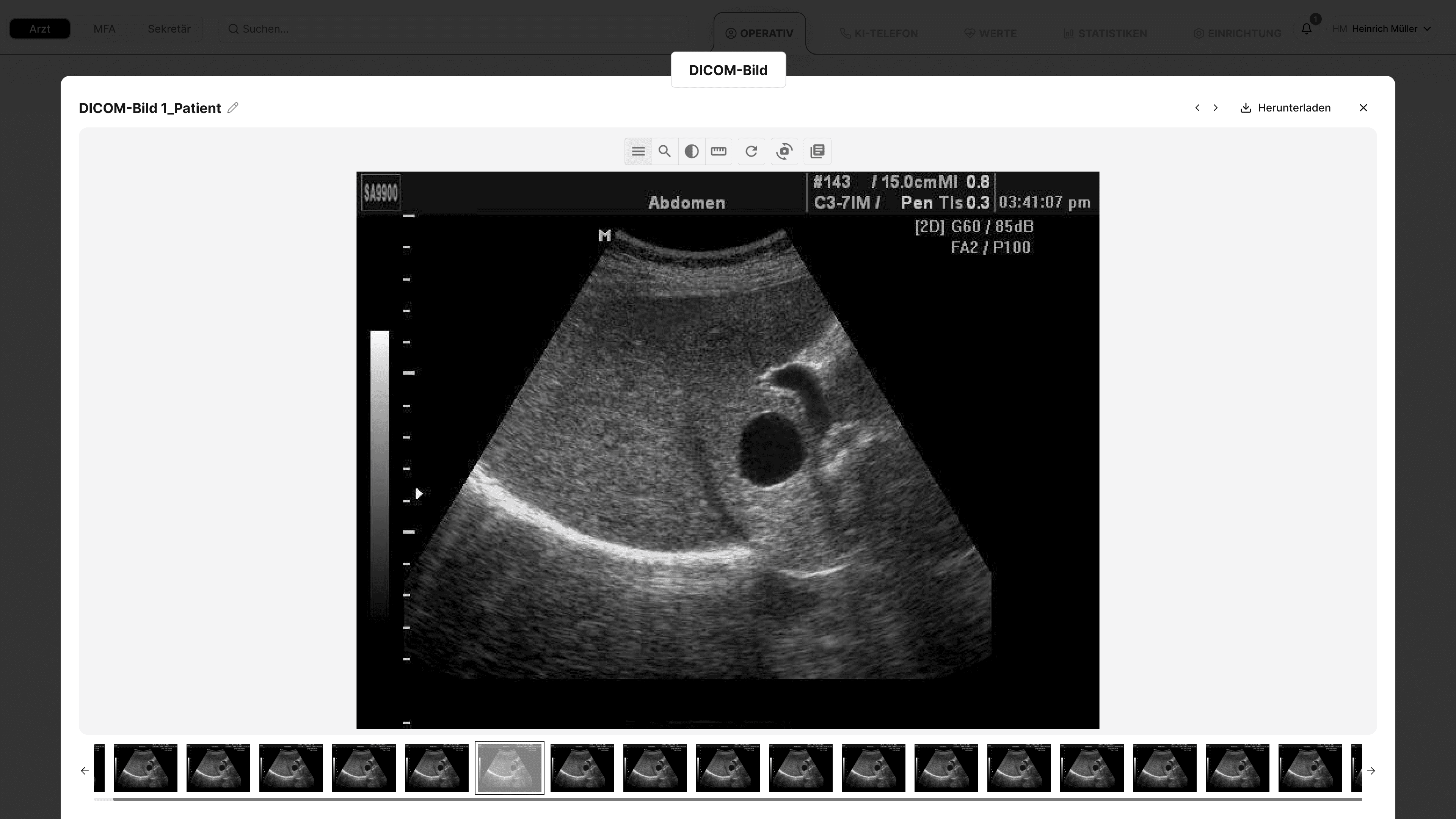
View imaging directly in the patient context

Horos, RadiAnt, separate PACS systems

Horos, RadiAnt, separate PACS systems

GOÄ-compliant invoices, automatically validated

Google Sheets, Microsoft Excel, Lexware, DATEV

Google Sheets, Microsoft Excel, Lexware, DATEV

Revenue, Patient Numbers & Utilization Live

Google Sheets, Microsoft Excel, manual evaluation

Google Sheets, Microsoft Excel, manual evaluation

Patients are called into the consultation room digitally

Personal call, Pieper

Personal call, Pieper

Patients register themselves, data flows automatically

Reception Medical Assistant, Paper Registration

Reception Medical Assistant, Paper Registration

Task Management / TODOs

Task Management / TODOs

Practice tasks with team assignment & patient reference

Todoist, Trello, Note Management

Todoist, Trello, Note Management

Platform & Security

Platform & Security

Wearable Integration

Wearable Integration

Apple Watch, WHOOP, Oura: Vital data automatically recorded in the file

Apple Health App, manual entry

Apple Health App, manual entry

Cloud solution

Cloud solution

No server, no IT effort, accessible from anywhere

Local Server, On-Premise Practice Management System

Local Server, On-Premise Practice Management System

GDPR Compliance

GDPR Compliance

German servers, medical data protection

Varies depending on the tool (often US servers)

Varies depending on the tool (often US servers)

Everything in one platform

Everything in one platform

All modules seamlessly integrated

10+ different individual tools

10+ different individual tools

Sounds Interesting? Let’s Talk

Sounds Interesting? Let’s Talk

Sounds Interesting? Let’s Talk

In a short call, we’ll see if ClinicOS is the right fit for your practice. No obligation, no sales pressure.

In a short call, we’ll see if ClinicOS is the right fit for your practice. No obligation, no sales pressure.

FAQ

Find answers to frequently asked questions about ClinicOS features, security, and usage.

What are the benefits of ClinicOS?
What exactly does ClinicOS do?
How does AI transcription work?
Does ClinicOS replace my existing Practice Management System?
Is ClinicOS GDPR-compliant?
Is the AI eavesdropping on my conversations?
Do I need my own server?
How long does the setup take?
Does my team need to be technically proficient?
What if I can't progress?
Will I receive training?
For which practices is ClinicOS suitable?
Why is ClinicOS cloud-based – can't it also be local?
Isn't the cloud less secure than a local server?
Where exactly is my data stored?
What happens in case of a server outage?
Can AI also write medical reports?
How well does the AI recognize medical terms?
What is the AI phone?
Do patients need to consent to AI recording?
What is included in ClinicOS?
Can I offer online appointment booking?
How do digital patient forms work?
Can patients request prescriptions online?
What device interfaces are available?
Is the lab connection working?
How does the transition from my current system proceed?
How long does the data migration take?
What happens during an initial consultation?

FAQ

Find answers to frequently asked questions about ClinicOS features, security, and usage.

What are the benefits of ClinicOS?
What exactly does ClinicOS do?
How does AI transcription work?
Does ClinicOS replace my existing Practice Management System?
Is ClinicOS GDPR-compliant?
Is the AI eavesdropping on my conversations?
Do I need my own server?
How long does the setup take?
Does my team need to be technically proficient?
What if I can't progress?
Will I receive training?
For which practices is ClinicOS suitable?
Why is ClinicOS cloud-based – can't it also be local?
Isn't the cloud less secure than a local server?
Where exactly is my data stored?
What happens in case of a server outage?
Can AI also write medical reports?
How well does the AI recognize medical terms?
What is the AI phone?
Do patients need to consent to AI recording?
What is included in ClinicOS?
Can I offer online appointment booking?
How do digital patient forms work?
Can patients request prescriptions online?
What device interfaces are available?
Is the lab connection working?
How does the transition from my current system proceed?
How long does the data migration take?
What happens during an initial consultation?