PRACTICE MANAGEMENT
Patient Self Check-In
Arrive, register, complete paperwork – automatically and directly in the waiting room
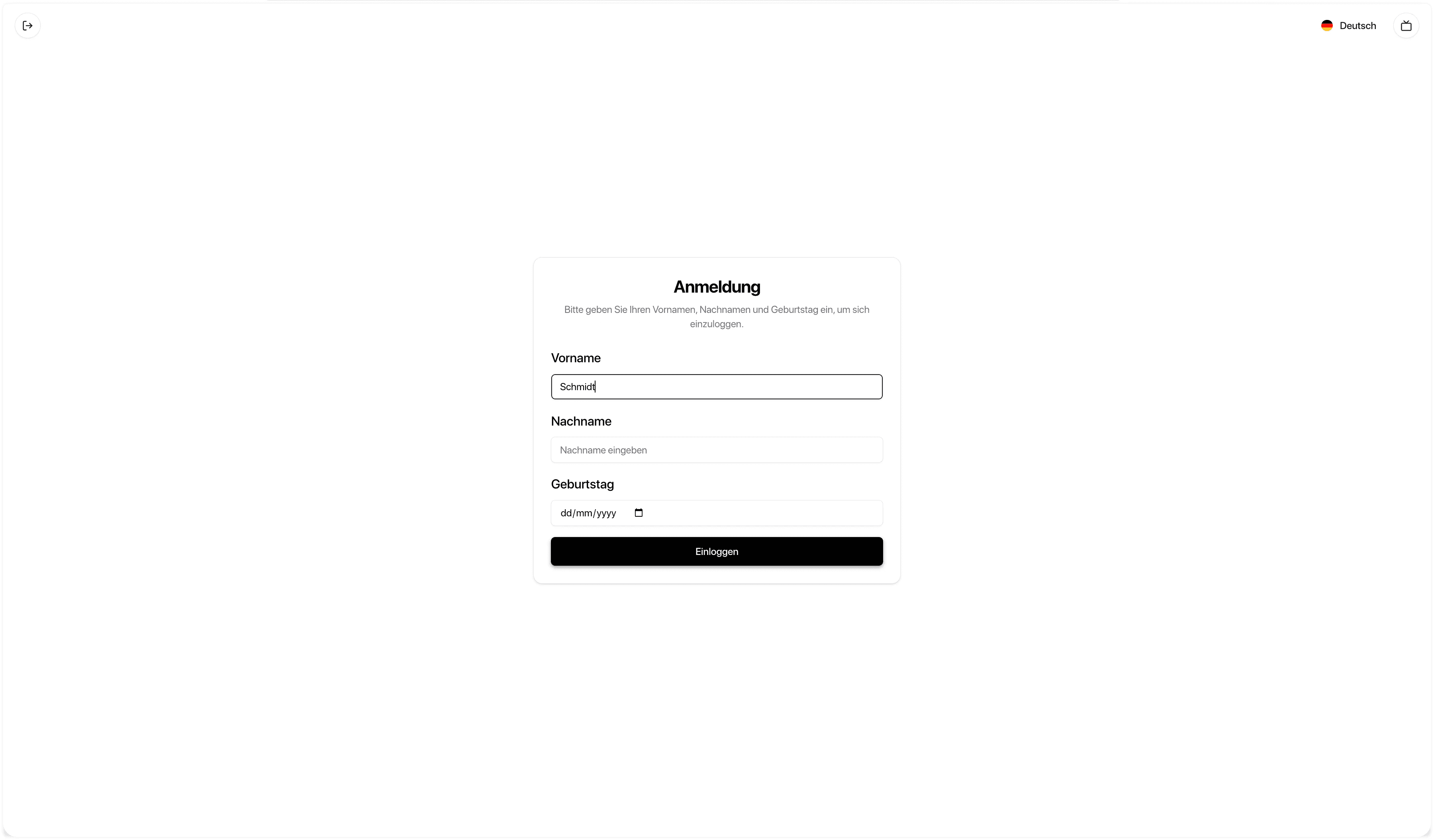
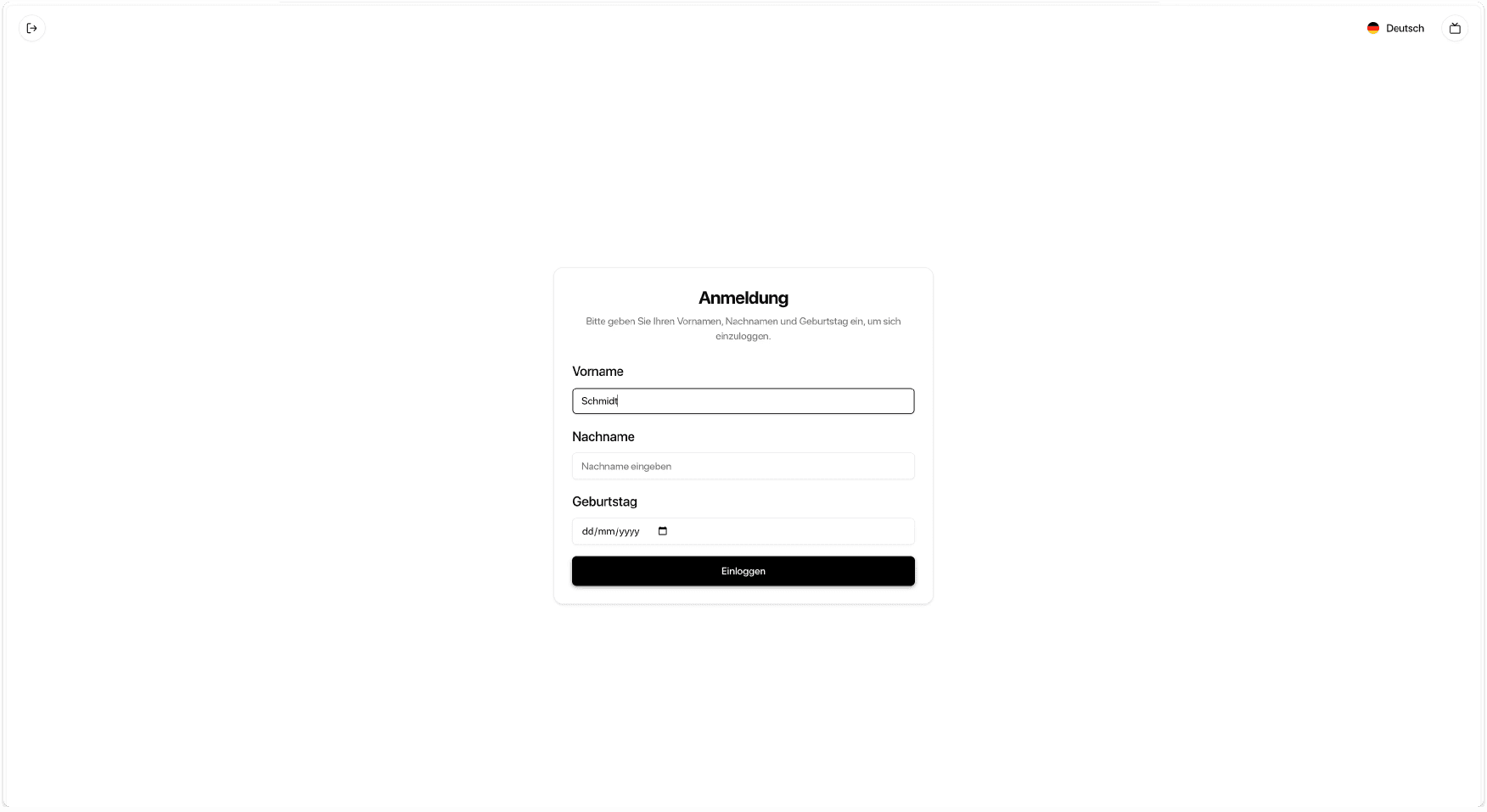
With the Patient Self-Check-In, patients register using a tablet. ClinicOS automatically checks whether the medical history and required documents are already available. If not, they are displayed immediately and can be completed during the waiting time. Afterwards, the patient is automatically listed in the waiting room status in ClinicOS.
Relief for medical assistants: fewer registration and inquiries
Complete medical history & documents directly in the waiting room
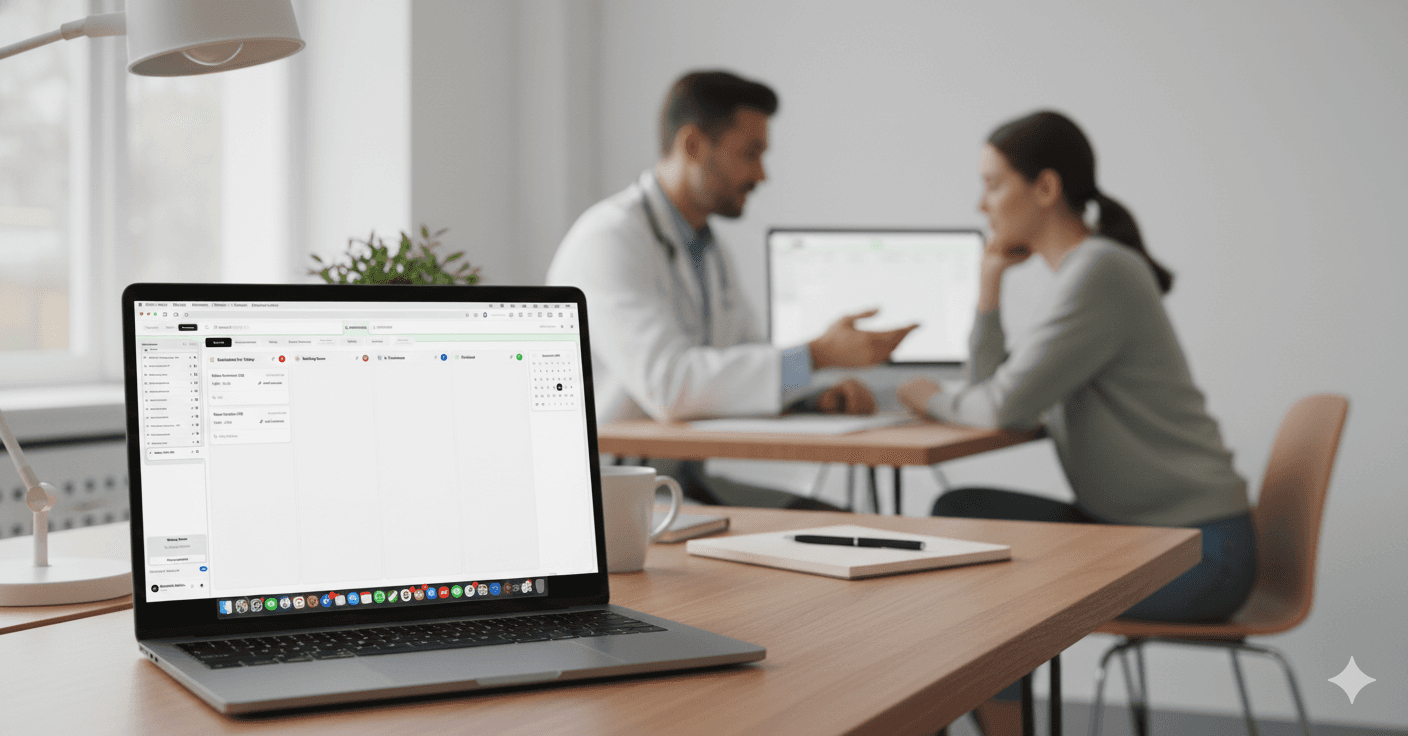
Waiting room overview in ClinicOS is automatically updated

The Problem
Time-consuming check-in at the reception
The check-in at the reception takes time: verifying data, distributing forms, requesting missing documents, and addressing follow-up questions. Bottlenecks often occur during peak times, and crucial information is frequently missing until after the appointment has already started.
High time consumption due to data reconciliation and form issuance
Bottlenecks during peak times due to inquiries and missing documents
Incomplete information at the start of the appointment
The Solution
Patient Self Check-In
ClinicOS digitalizes the check-in process: Patients authenticate themselves on the tablet, and the system automatically checks the status of medical histories and documents. Missing forms are immediately displayed, can be filled out directly, and are structured into the patient record. Simultaneously, the patient becomes visible in the digital waiting room in ClinicOS.

Features
What the Patient Self-Check-In Specifically Does for You
Self Check-In at the Tablet
with patient authentication
Automatic status check
Are the medical history and required documents already available?
Direct display of missing forms
in the check-in process
Fill out while waiting
Patients complete paperwork in the waiting room
Structured Handover
the entries in the patient record
Automated Waiting Room Listing
Patient appears in the waiting room after checking in on ClinicOS
Self Check-In at the Tablet
with patient authentication
Self Check-In at the Tablet
with patient authentication
Automatic status check
Are the medical history and required documents already available?
Direct display of missing forms
in the check-in process
Direct display of missing forms
in the check-in process
Fill out while waiting
Patients complete paperwork in the waiting room
Fill out while waiting
Patients complete paperwork in the waiting room
Structured Handover
the entries in the patient record
Structured Handover
the entries in the patient record
Automated Waiting Room Listing
Patient appears in the waiting room after checking in on ClinicOS
Automated Waiting Room Listing
Patient appears in the waiting room after checking in on ClinicOS
The Result & How It Works
Faster check-in – and the appointment starts better prepared
Your team will be relieved as patients complete paperwork independently, and you receive more comprehensive information before the patient enters the treatment room.
Below, we show how it works in everyday practice in three steps:
Step 1 - Patient checks in on the tablet
and authenticates.
Step 2 - ClinicOS checks the status
Step 3 - Patient appears in the waiting room in ClinicOS

The Result & How It Works
Faster check-in – and the appointment starts better prepared
Your team will be relieved as patients complete paperwork independently, and you receive more comprehensive information before the patient enters the treatment room.
Below, we show how it works in everyday practice in three steps:

Step 1 - Patient checks in on the tablet
and authenticates.
Step 2 - ClinicOS checks the status
Step 3 - Patient appears in the waiting room in ClinicOS
The Result & How It Works
Faster check-in – and the appointment starts better prepared
Your team will be relieved as patients complete paperwork independently, and you receive more comprehensive information before the patient enters the treatment room.
Below, we show how it works in everyday practice in three steps:

Step 1 - Patient checks in on the tablet
and authenticates.
Step 2 - ClinicOS checks the status
Step 3 - Patient appears in the waiting room in ClinicOS

For Private Practices
Why this is especially relevant for private practices
Relief for medical assistants during peak times and high traffic
Higher data quality through a complete medical history before the start of treatment
Professional reception process with clear, digital workflows
FAQ
Find answers to frequently asked questions about features, security, and usage of ClinicOS.
Can I specify which documents are reviewed?
Is the patient immediately visible in the system after check-in?
What happens if the patient has not filled out everything yet?
FAQ
Find answers to frequently asked questions about features, security, and usage of ClinicOS.