PRACTICE MANAGEMENT

Patient Portal

Patient Portal

Your digital patient portal – appointments, documents, invoices, and information all in one place

Your digital patient portal – appointments, documents, invoices, and information all in one place

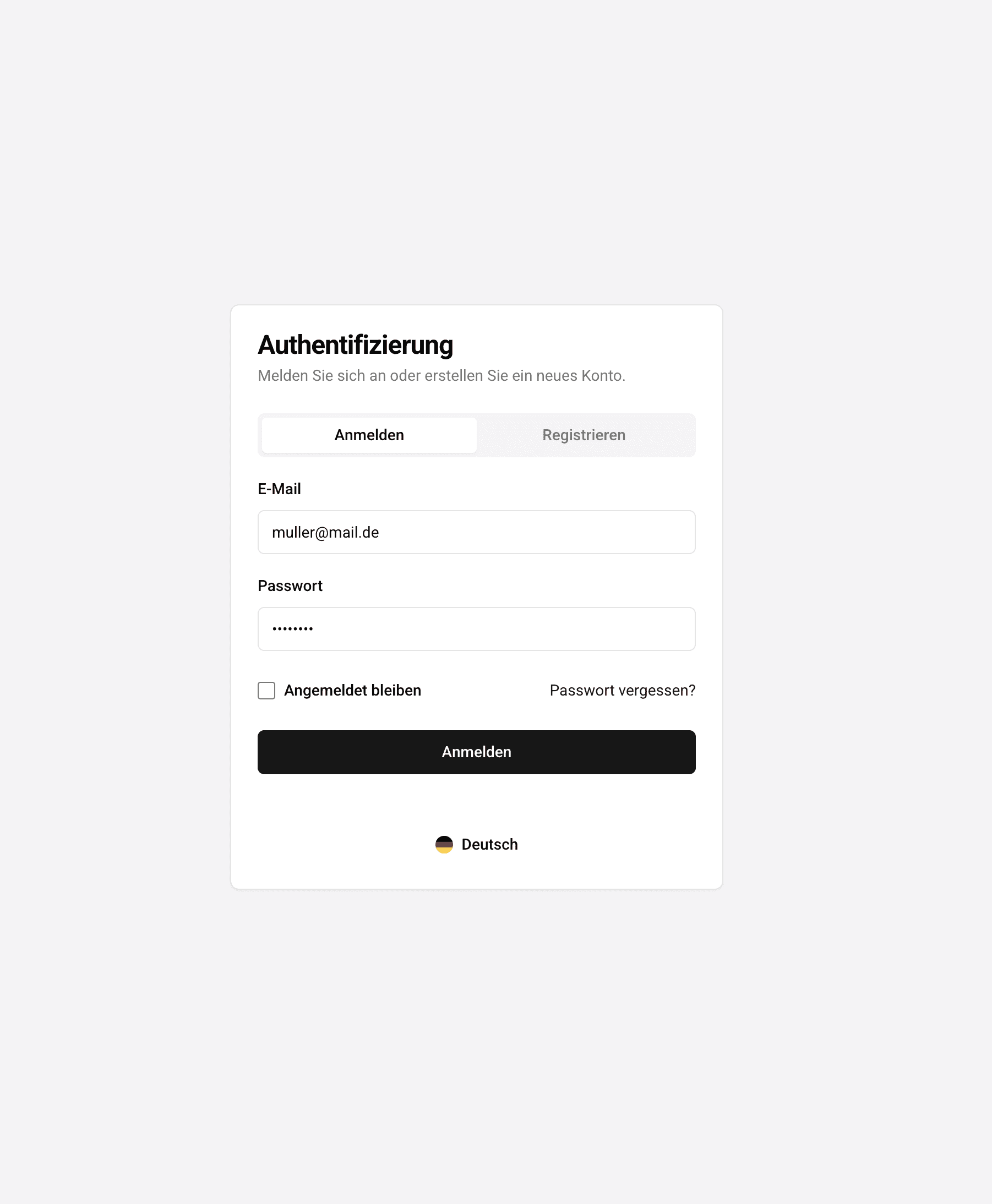
In the patient portal of ClinicOS, patients can securely log in, manage appointments, view invoices, and exchange documents. Optionally, wearables can be connected to ensure relevant health data is structured and available in the patient record.

In the patient portal of ClinicOS, patients can securely log in, manage appointments, view invoices, and exchange documents. Optionally, wearables can be connected to ensure relevant health data is structured and available in the patient record.

Fewer follow-up questions: Patients find information themselves in the portal

Documents and previous findings without media disruption in the file

Modern service for private patients – professional practice presentation

The Problem

Unclear patient inquiries and documents in everyday practice

Unclear patient inquiries and documents in everyday practice

Patients frequently ask: "When is my appointment?", "Can you send me the doctor's letter?", "Where can I find my invoice?" At the same time, previous findings come via email, paper, or photo – unstructured, difficult to attribute, and requiring additional effort in documentation.

Patients frequently ask: "When is my appointment?", "Can you send me the doctor's letter?", "Where can I find my invoice?" At the same time, previous findings come via email, paper, or photo – unstructured, difficult to attribute, and requiring additional effort in documentation.

Patients frequently ask: "When is my appointment?", "Can you send me the doctor's letter?", "Where can I find my invoice?" At the same time, previous findings come via email, paper, or photo – unstructured, difficult to attribute, and requiring additional effort in documentation.

High inquiry workload regarding appointments, medical letters, and invoices

High inquiry workload regarding appointments, medical letters, and invoices


Unstructured prior findings from email, paper, or photo formats

Unstructured prior findings from email, paper, or photo formats


Additional documentation effort due to manual assignment

Additional documentation effort due to manual assignment


The Solution

Patient Portal

Patient Portal

With the patient portal from ClinicOS, you consolidate all patient-relevant processes in a secure area: appointment management, documents, invoices, and data exchange. Patients can directly upload previous medical findings, and the documents are systematically integrated into the patient file.
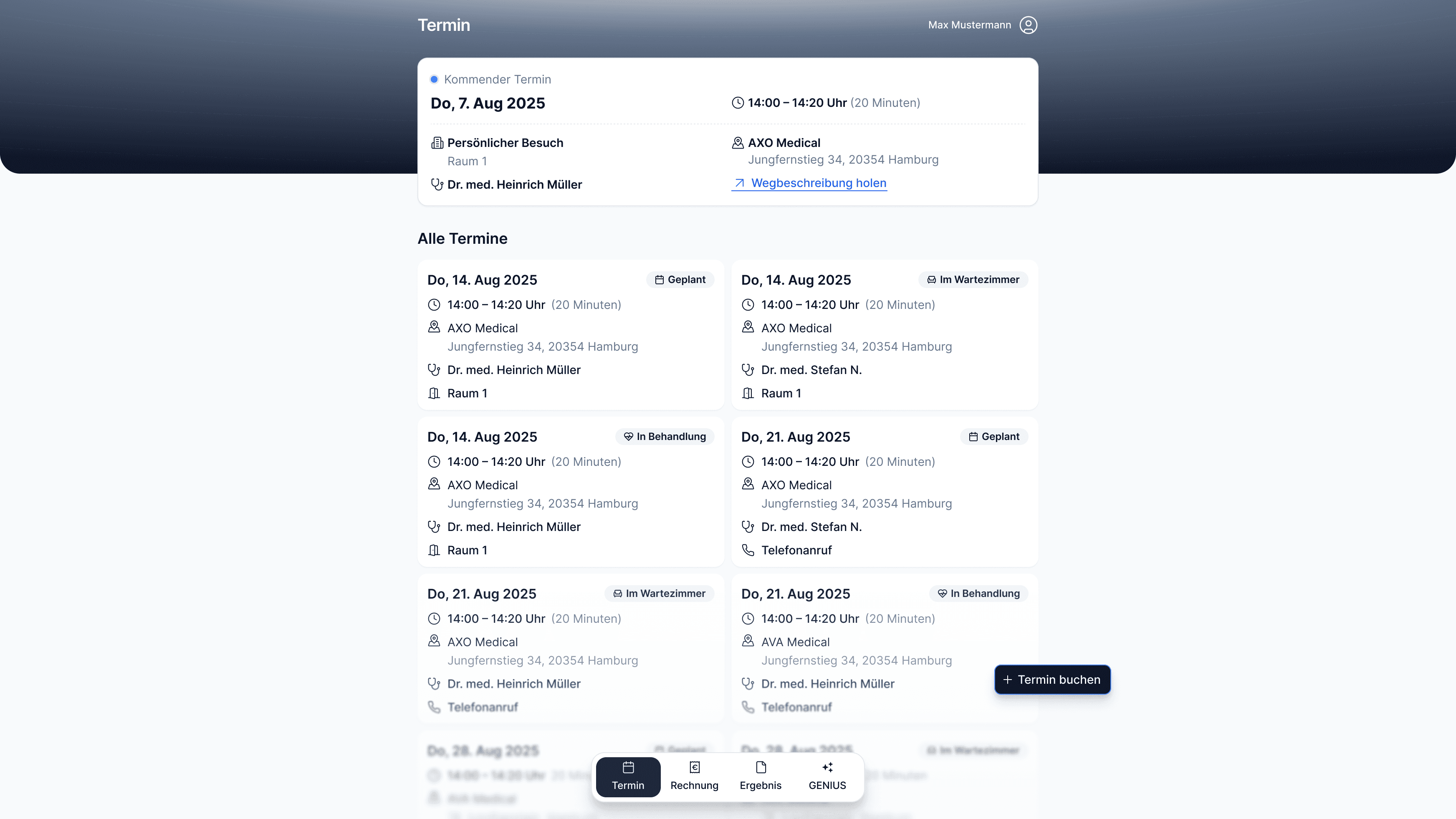
With the patient portal from ClinicOS, you consolidate all patient-relevant processes in a secure area: appointment management, documents, invoices, and data exchange. Patients can directly upload previous medical findings, and the documents are systematically integrated into the patient file.

Features

What the patient portal specifically does for you
What the patient portal specifically does for you
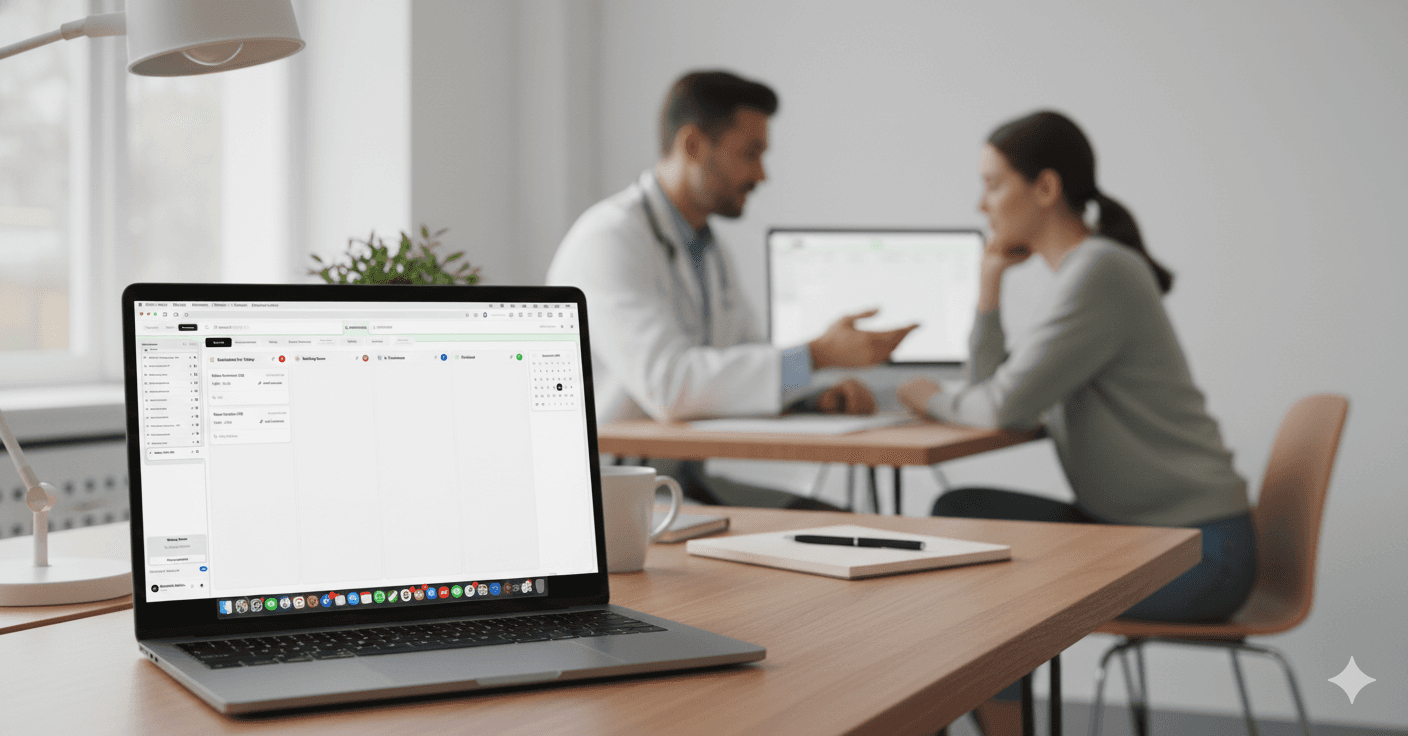
Structured Storage in ClinicOS

Uploads are accurately assigned to the patient's file and documented

Connect wearables (optional)

e.g. Whoop, Garmin, FreeStyle Libre – relevant data can be incorporated into the patient's history

Connect wearables (optional)

e.g. Whoop, Garmin, FreeStyle Libre – relevant data can be incorporated into the patient's history

Secure login area

for Patients (Member Area)

Secure login area

for Patients (Member Area)

Appointment Overview

view upcoming appointments

Appointment Overview

view upcoming appointments

Appointment Management

book and manage new appointments (online)

Appointment Management

book and manage new appointments (online)

View invoices

Invoice overview and documents available in the portal

View invoices

Invoice overview and documents available in the portal

Provide documents

Provide medical reports and documents digitally

Upload of Previous Findings

Patients upload documents from other colleagues

The Result & How It Works

Less administrative effort – and a service that private patients expect

Patients handle many tasks themselves in the portal: appointments, documents, invoices, and uploads. Your team is relieved, and your practice offers a modern, professional digital workflow.

Below, we show how it works in everyday practice in three steps:

Step 1 - Provide portal access

Patient gains access and can log in securely.

Step 2 - Use Self-Service
Step 3 - Document everything in ClinicOS
Ein Bild der Budget-Benutzeroberfläche von Freelio

The Result & How It Works

Less administrative effort – and a service that private patients expect

Patients handle many tasks themselves in the portal: appointments, documents, invoices, and uploads. Your team is relieved, and your practice offers a modern, professional digital workflow.

Below, we show how it works in everyday practice in three steps:

Ein Bild der Budget-Benutzeroberfläche von Freelio
Step 1 - Provide portal access

Patient gains access and can log in securely.

Step 2 - Use Self-Service
Step 3 - Document everything in ClinicOS

The Result & How It Works

Less administrative effort – and a service that private patients expect

Patients handle many tasks themselves in the portal: appointments, documents, invoices, and uploads. Your team is relieved, and your practice offers a modern, professional digital workflow.

Below, we show how it works in everyday practice in three steps:

Ein Bild der Budget-Benutzeroberfläche von Freelio
Step 1 - Provide portal access

Patient gains access and can log in securely.

Step 2 - Use Self-Service
Step 3 - Document everything in ClinicOS

For Private Practices

Why this is especially relevant for private practices

Why this is especially relevant for private practices

Why this is especially relevant for private practices

Premium patient experience: modern service and clear communication

Relief for medical assistants: fewer emails, fewer inquiries, less document chaos

Better preparation: Previous findings are neatly filed in the record before the appointment.

FAQ

Find answers to frequently asked questions about features, security, and usage of ClinicOS.

Which wearables can be connected?
Can patients safely upload previous findings?
What can patients see in the portal?

FAQ

Find answers to frequently asked questions about features, security, and usage of ClinicOS.

Which wearables can be connected?
Can patients safely upload previous findings?
What can patients see in the portal?